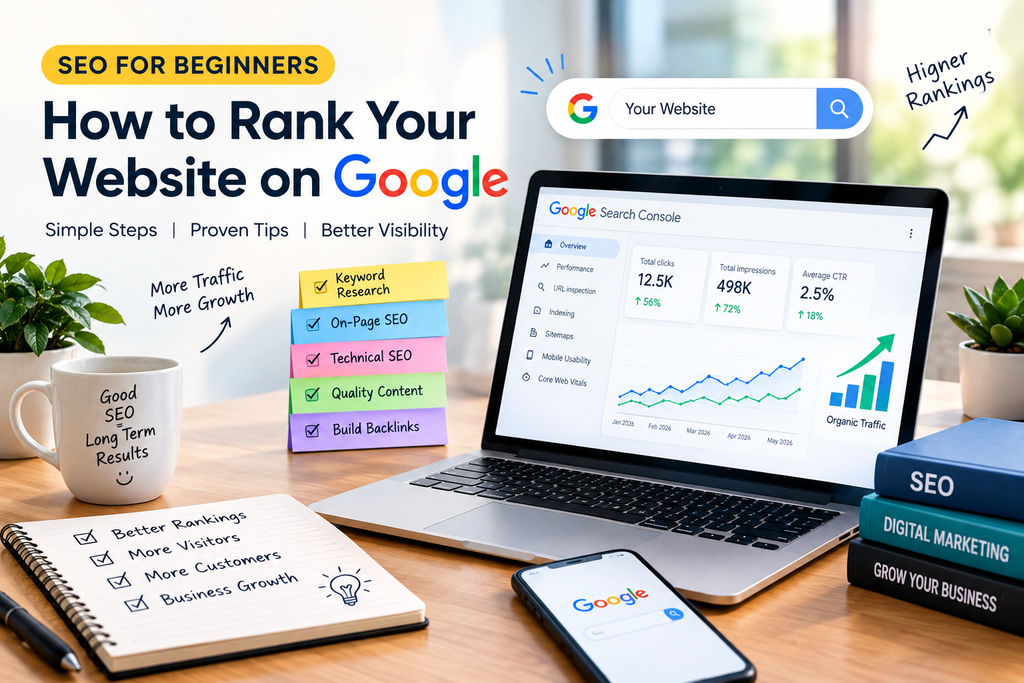
SEO for Beginners: How to Rank Your Website on Google in 2026
Do you want your website to appear on the first page of Google? Search Engine Optimization (SEO) can help you improve your website’s visibility, attract relevant visitors, and grow your online presence.
Whether you run a business website, blog, or online store, understanding SEO is an important step toward building long-term organic traffic.
In this beginner-friendly guide, we will explain what SEO is, how it works, and which techniques you can use to optimize your website for search engines.
What Is SEO?
Search Engine Optimization (SEO) is the process of improving a website to help search engines understand its content and make it easier for people to discover through search results.
For example, if someone searches for “digital marketing services,” a well-optimized website may have a better chance of appearing for that relevant search query.
SEO focuses on providing useful content, improving website performance, organizing pages clearly, and making the website easy to use.
Why Is SEO Important?
SEO can help your website grow in several ways:
- Increase organic traffic: Attract visitors from unpaid search results.
- Improve online visibility: Help potential customers discover your business.
- Build credibility: Useful, accurate content can help establish trust.
- Reach the right audience: Target search queries related to your products or services.
- Support long-term growth: Well-maintained pages can continue attracting visitors over time.
SEO takes time and effort, and high rankings are never guaranteed.
Types of SEO You Should Know
1. On-Page SEO
On-page SEO involves optimizing the content and elements of individual web pages.
Important practices include:
- Using a descriptive page title.
- Writing helpful headings and paragraphs.
- Including relevant keywords naturally.
- Adding descriptive image alt text.
- Creating useful internal links.
- Writing a clear meta description.
2. Off-Page SEO
Off-page SEO includes activities outside your website that can help build your site’s reputation.
Examples include earning links from relevant websites, publishing useful resources that others want to reference, and building genuine relationships within your industry.
Avoid buying spammy backlinks or using link schemes.
3. Technical SEO
Technical SEO helps search engines access, crawl, and understand your website.
Key areas include:
- Ensuring important pages can be indexed.
- Creating and submitting an XML sitemap.
- Using HTTPS for website security.
- Improving page loading speed.
- Making the website mobile-friendly.
- Fixing broken links and redirect issues.
How to Rank Your Website on Google
Step 1: Find the Right Keywords
Keyword research helps you understand what your audience searches for online.
For example, if your website offers digital marketing services, relevant keywords might include:
- Digital marketing services
- Social media marketing for small businesses
- SEO services for beginners
- How to grow a business online
Choose keywords that match the purpose of your page and the needs of your audience.
Step 2: Create High-Quality Content
Google aims to show useful results that meet searchers’ needs. Create original content that answers questions clearly and provides practical information.
Use examples, explain important concepts, and keep your content easy to read. Avoid copying content from other websites or writing only to repeat keywords.
Step 3: Optimize Your Page Title and Headings
Your page title should clearly explain what the page offers. Use one clear main heading and organize the content with relevant subheadings.
For example:
SEO Title: SEO for Beginners: How to Rank Your Website on Google
Main Heading (H1): SEO for Beginners: How to Rank Your Website on Google in 2026
Step 4: Write a Useful Meta Description
A meta description briefly summarizes the page and can encourage people to click your result.
Example:
“Learn SEO for beginners with practical tips on keyword research, on-page SEO, technical optimization, and creating content that helps your website grow.”
Google may choose a different snippet for your page, so a meta description does not guarantee a particular search-result display.
Step 5: Improve Website Speed and Mobile Experience
Visitors should be able to use your website comfortably on mobile phones, tablets, and computers.
Compress large images, use a reliable hosting provider, avoid unnecessary plugins, and check that pages load properly. Tools such as Google PageSpeed Insights can help identify performance issues.
Step 6: Add Internal Links
Internal links connect one page on your website to another.
For example, this SEO article can link to your Social Media Marketing and Digital Marketing Services pages. Use meaningful link text so readers understand what they will find.
Step 7: Submit Your Website to Google Search Console
Google Search Console helps website owners monitor search performance and identify indexing issues.
You can use it to:
- Check whether important pages are indexed.
- Submit an XML sitemap.
- Review search queries and clicks.
- Find certain technical or indexing problems.
Submitting a sitemap helps Google discover URLs, but it does not guarantee indexing or rankings.
Step 8: Track Results and Improve
SEO is an ongoing process. Review your website’s performance regularly and improve pages based on real data.
Monitor organic clicks, impressions, search queries, indexing status, and visitor behaviour. Update outdated information and improve pages that do not fully answer users’ questions.
Best Free SEO Tools for Beginners
Here are some useful tools to start with:
- Google Search Console: Monitor search visibility and indexing.
- Google Analytics: Understand website traffic and user activity.
- Google Trends: Explore changing interest in topics.
- Google Keyword Planner: Research keyword ideas and advertising search estimates.
- Google PageSpeed Insights: Check page performance and optimization opportunities.
Some tools require an account, and certain features may be limited or designed mainly for advertisers.
Common SEO Mistakes to Avoid
- Stuffing keywords unnaturally into content.
- Copying articles from other websites.
- Ignoring mobile users.
- Using vague page titles.
- Uploading large, unoptimized images.
- Creating unnecessary pages with little value.
- Buying spammy backlinks.
- Expecting first-page rankings overnight.
Focus on useful content, a technically sound website, and a positive user experience instead.
Conclusion
SEO is an essential part of building a strong online presence. By choosing relevant keywords, publishing helpful content, improving website performance, using internal links, and monitoring results with Google Search Console, beginners can build a solid SEO foundation.
Remember that SEO is a long-term process. Keep learning, improve your content regularly, and focus on helping your audience rather than trying to manipulate search rankings.
Want to grow your business online? Explore the digital marketing services at Digisiddhant and discover how SEO and social media marketing can support your online goals.